Choosing web hosting is one of the most confusing parts of building a website.
Terms like shared hosting, VPS hosting, and managed WordPress hosting are often used interchangeably in marketing materials — even though they solve completely different problems.
From a developer’s perspective, hosting decisions directly affect website performance, troubleshooting time, scalability, and even revenue for ecommerce businesses.
Choosing the wrong hosting type doesn’t usually cause problems immediately.
It causes problems later.
Slow checkout pages.
Unexpected downtime during traffic spikes.
Difficult migrations when growth happens faster than expected.
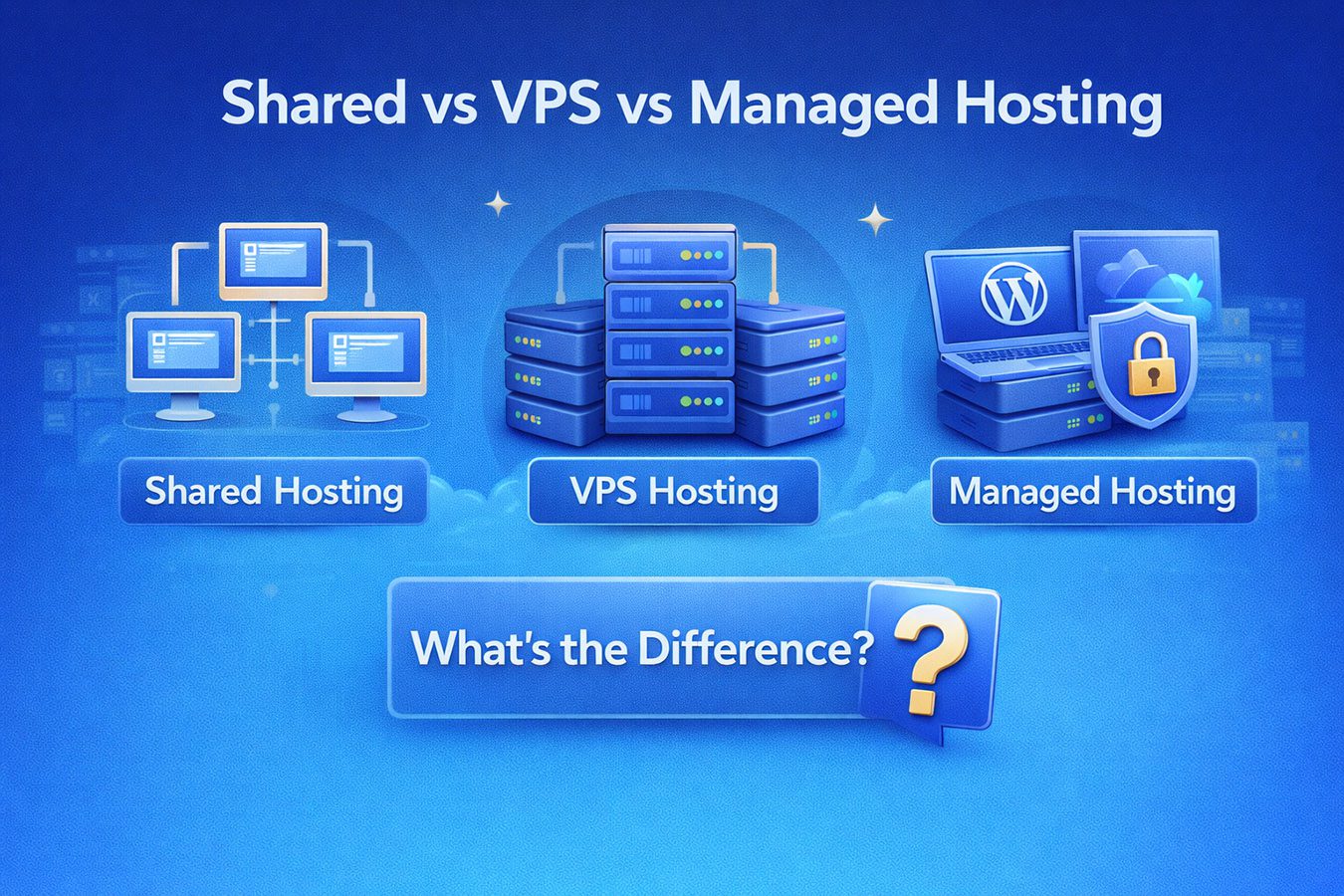
Here’s what each hosting type actually means — and how to choose the right one based on how your website will grow.
What Is Shared Hosting?
Shared hosting places multiple websites on a single physical server.
Each website shares:
- CPU resources.
- memory.
- storage performance.
- network bandwidth.
This allows hosting companies to offer very low pricing.
For many beginners, shared hosting works perfectly well at the beginning.
Typical shared hosting use cases include:
- personal blogs.
- portfolios.
- small informational websites.
- early-stage projects receiving limited traffic.
For example, a personal blog receiving a few hundred visitors per month will likely perform well on shared hosting.
However, performance depends heavily on neighboring websites.
If another account on the same server experiences heavy traffic or poor optimization, performance fluctuations can occur.
This unpredictability is the main limitation developers encounter.
If you’re just starting your first website, our Best Hosting for Beginners guide explores beginner-friendly hosting options in more detail.
When Shared Hosting Starts Becoming a Problem
Shared hosting struggles when websites become dynamic.
Examples include:
- WooCommerce stores.
- membership platforms.
- learning management systems.
- heavily plugin-dependent WordPress builds.
These websites rely heavily on database queries and logged-in user sessions.
A WooCommerce store running a promotion can suddenly experience hundreds of simultaneous cart updates.
Shared environments may throttle resources during these moments.
From a developer standpoint, this is where support tickets start appearing.
Checkout delays directly impact conversion rates.
For ecommerce businesses especially, reliability often matters more than saving a few dollars per month.
Our Best WooCommerce Hosting guide explains why ecommerce environments require different optimization strategies.
What Is VPS Hosting?
VPS stands for Virtual Private Server.
Instead of sharing all server resources equally, VPS hosting divides a server into isolated environments.
Each VPS account receives dedicated allocations of:
- CPU.
- RAM.
- storage.
This creates more predictable performance compared to shared hosting.
Developers often choose VPS hosting when they need:
- custom server configurations.
- specialized software.
- increased traffic capacity.
However, VPS hosting introduces responsibility.
Depending on the provider, users may need to manage:
- operating system updates.
- server security.
- performance optimization.
- backups.
For experienced developers, this flexibility is powerful.
For beginners or business owners, it can quickly become overwhelming.
Time spent managing servers is time not spent growing a business.
VPS Hosting: The Hidden Cost Many Beginners Miss
VPS hosting appears cheaper on paper compared to managed hosting.
But developer time has value.
Common VPS challenges include:
- diagnosing PHP configuration issues.
- managing malware cleanup.
- optimizing caching layers manually.
Many businesses eventually migrate away from VPS environments simply because maintenance becomes distracting.
From a developer perspective, VPS hosting works best when customization is the priority rather than convenience.
What Is Managed WordPress Hosting?
Managed WordPress hosting removes most server administration responsibilities.
The hosting provider handles:
- WordPress updates.
- daily backups.
- performance optimization.
- malware monitoring.
- caching configuration.
Instead of managing infrastructure, website owners focus on building their website.
For agencies and ecommerce businesses, this dramatically reduces troubleshooting time.
If you want a deeper explanation, see our full Managed WordPress Hosting Explained guide.
Performance Comparison (Real-World Perspective)
Marketing benchmarks rarely reflect real workloads.
Here’s how hosting types behave in practice.
Shared Hosting
Best for low traffic projects.
Performance may vary depending on server neighbors.
Minimal technical responsibility.
VPS Hosting
Strong performance when properly configured.
Highly customizable.
Requires ongoing management.
Managed Hosting
Optimized specifically for WordPress.
Stable performance without manual setup.
Ideal for businesses where uptime matters.
Quick Comparison
| Feature | Shared Hosting | VPS Hosting | Managed Hosting |
|---|---|---|---|
| Setup Difficulty | Easy | Moderate–High | Easy |
| Performance Stability | Low–Medium | High | Very High |
| Technical Skill Needed | Low | High | Low |
| Best For | Beginners | Developers | Businesses & Ecommerce |
| Maintenance Required | Low | High | Very Low |
Which Hosting Type Is Best for WooCommerce?
Ecommerce websites introduce challenges traditional hosting struggles with.
WooCommerce relies heavily on:
- logged-in users.
- dynamic carts.
- payment processing.
Caching systems designed for blogs can interfere with checkout behavior.
Traffic spikes during promotions or seasonal sales can also overwhelm shared environments.
Managed hosting providers designed for ecommerce stability often perform best under these conditions.
Many developers prefer platforms designed specifically for scaling stores rather than managing server performance manually.
Best Managed Hosting Providers to Consider
Many users comparing hosting types ultimately choose managed hosting as their long-term solution.
Two strong options include:
Nexcess
Particularly strong for ecommerce scalability.
Key advantages include:
- autoscaling during traffic spikes.
- WooCommerce optimization.
- strong support knowledge.
WP Engine
WP Engine focuses heavily on performance optimization and developer workflow tooling.
Standout features include:
- staging environments.
- strong caching performance.
- polished dashboards.
If you’re comparing premium managed platforms directly, our detailed Nexcess vs WP Engine comparison breaks down performance and workflow differences.
How To Choose the Right Hosting Type
Ask yourself:
- Is this a hobby project?
- Will I sell products?
- Do I want to manage servers?
Shared hosting works well for experimentation.
VPS hosting suits developers needing control.
Managed hosting tends to provide the easiest long-term reliability for growing websites.
Final Verdict
There isn’t a single best hosting type for everyone.
Shared hosting is ideal for small projects starting out.
VPS hosting offers flexibility for technically experienced users.
Managed WordPress hosting provides stability and simplicity for businesses focused on growth rather than server maintenance.
Understanding where your website is headed often matters more than where it starts.