WordPress performance problems are extremely common. Many websites begin running quickly when they are first launched, but over time the site gradually becomes slower.
Pages take longer to load, the admin dashboard feels sluggish, and tasks that once took seconds begin taking noticeably longer.
This often leads site owners to assume that WordPress itself is slow. In reality, WordPress is capable of excellent performance when the surrounding infrastructure is configured properly.
Slow WordPress sites are usually the result of several underlying factors working together. Identifying the correct cause is the first step toward restoring fast performance.
Common Reasons WordPress Sites Become Slow
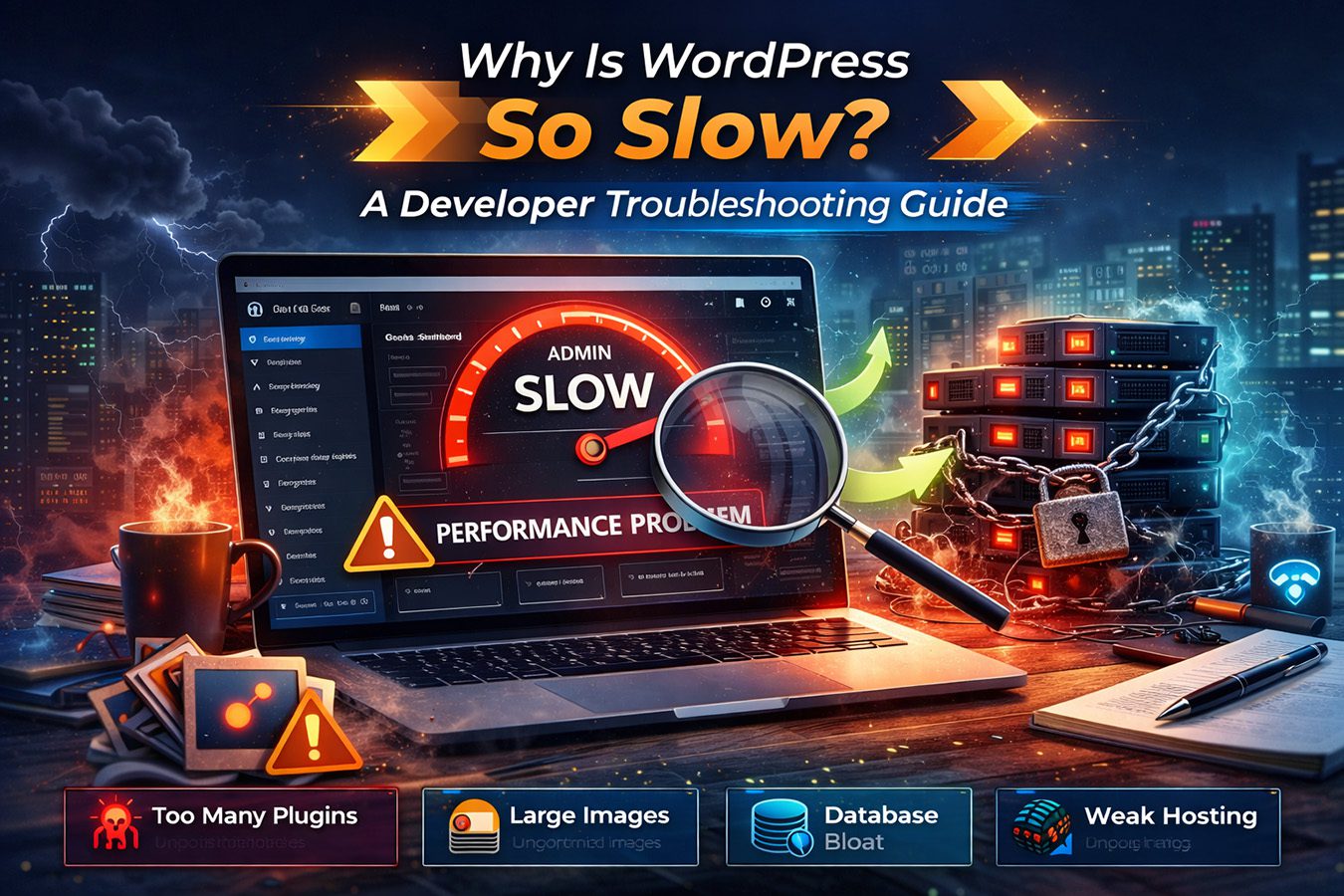
WordPress performance issues usually fall into a few major categories.
Understanding these common causes helps narrow down where the problem is most likely occurring.
Too Many Plugins
Plugins add functionality to WordPress, but each plugin introduces additional code that must run every time a page loads.
Sites that install large numbers of plugins often experience slower performance because the server must process more PHP operations and database queries.
This does not mean plugins should be avoided entirely. Many well-built plugins have minimal performance impact.
However, poorly optimized plugins or large plugin stacks can significantly slow down a site.
Large or Unoptimized Images
Images are one of the most common causes of slow page loading times.
When images are uploaded at full resolution without compression, the browser must download very large files before displaying the page.
This increases load times, especially for visitors on slower internet connections.
Optimizing images through compression and modern formats can dramatically improve page performance.
Heavy WordPress Themes
Some WordPress themes include complex design elements, animations, or page builder integrations that add significant overhead.
These themes may load many scripts, stylesheets, and external resources on every page request.
When this happens, the browser must process a large number of files before rendering the page.
Lighter themes with cleaner code structures typically perform better.
Database Bloat
WordPress stores large amounts of information in its database.
Over time, the database may accumulate:
- old revisions
- plugin data
- expired transients
- unused tables
As the database grows larger, queries can take longer to execute.
Routine database optimization can help maintain faster query performance.
Weak Hosting Infrastructure
One of the most overlooked causes of slow WordPress sites is the hosting environment itself.
Shared hosting environments often place many websites on the same server. In these environments, resources such as CPU usage, memory allocation, and concurrent processes are shared across multiple accounts.
If server resources become limited, even well-optimized WordPress sites may begin to slow down.
Hosting infrastructure plays a major role in overall site performance.
Why WordPress Admin Can Become Slow
Many site owners notice performance problems first in the WordPress admin dashboard.
Tasks such as editing pages, updating plugins, loading media libraries, or opening WooCommerce orders may begin taking noticeably longer than expected.
This slowdown often occurs when the server struggles to process multiple backend requests simultaneously.
Admin performance problems are frequently linked to limited server resources.
Why the WordPress Admin Dashboard Becomes Slow
A slow WordPress admin dashboard is often one of the earliest signs that a hosting environment is struggling to keep up with site demands.
The WordPress admin dashboard often slows down before the public-facing website shows obvious performance problems.
This happens because the admin area performs many background operations that require server resources.
When the dashboard loads, WordPress may need to:
- run plugin update checks
- process scheduled tasks
- query the database for recent activity
- load plugin dashboards and widgets
If the server cannot process these requests quickly, the admin dashboard may feel sluggish even when the front-end pages appear normal.
Common Causes of a Slow WordPress Admin
Several factors frequently cause slow admin performance.
Plugin Overhead
Some plugins load additional scripts, analytics panels, or reporting dashboards inside the admin interface.
These features increase the number of operations that must run each time the dashboard loads.
Large plugin ecosystems can significantly slow down the admin area.
Excessive Database Queries
WordPress admin pages often trigger database queries to retrieve:
- posts and pages
- user information
- WooCommerce orders
- plugin settings
When the database grows large or queries become inefficient, admin pages may take longer to load.
Limited Server Resources
Shared hosting environments frequently limit the number of processes or memory available to each website.
If these limits are reached, admin requests may queue while the server processes other operations.
This can cause delays when performing tasks such as editing pages, updating plugins, or opening WooCommerce orders.
How to Fix a Slow WordPress Admin
Improving admin performance usually involves addressing one or more of the following areas:
- reducing unnecessary plugins
- optimizing the database
- upgrading hosting infrastructure
In many cases, the most noticeable improvements occur when sites move from heavily shared hosting environments to platforms designed specifically for WordPress workloads.
When Hosting Is the Real Issue
If plugin optimization and database cleanup do not resolve admin performance problems, hosting infrastructure may be the limiting factor.
Sites with growing traffic, WooCommerce activity, or complex plugin stacks often benefit from hosting environments designed for higher workloads.
For example:
Hostinger Review → (good for small sites)
WP Engine Review → (strong managed hosting)
Nexcess Review → (excellent for WooCommerce)
How to Diagnose WordPress Performance Problems
Before making major changes, it helps to determine exactly where performance issues are coming from.
A few simple steps can help identify the most likely cause.
Check Plugin Impact
Temporarily disabling non-essential plugins can help determine whether a particular plugin is causing performance problems.
If performance improves significantly after disabling certain plugins, they may be contributing to the slowdown.
Test Page Speed
Tools such as performance analyzers can provide insight into how long different resources take to load.
These tools often highlight large files, slow scripts, and render-blocking resources that affect page speed.
Monitor Hosting Resource Limits
Many hosting dashboards display resource usage metrics.
If a site frequently approaches CPU or memory limits, the hosting plan may not provide enough resources for the site’s current workload.
When Hosting Is the Real Problem
In many situations, WordPress sites are fully optimized but still perform poorly because of hosting limitations.
This becomes more common as sites grow.
Signs that hosting may be the bottleneck include:
- slow admin dashboard performance
- delays during plugin updates
- slow database queries
- performance issues during traffic spikes
When these symptoms appear consistently, upgrading hosting infrastructure can significantly improve performance.
When Budget Hosting Is Still Enough
Not every WordPress site requires premium hosting.
Small websites with modest traffic and minimal plugins may run perfectly well on modern entry-level hosting platforms.
For example, beginner projects and informational websites often perform well on affordable hosting providers such as Hostinger.
For a deeper evaluation of this platform, see:
When Managed WordPress Hosting Becomes Necessary
As WordPress sites grow in complexity, hosting environments must handle more database queries, plugin operations, and visitor requests.
Managed WordPress hosting platforms are designed specifically to support these workloads.
These environments often include:
- optimized server configurations
- advanced caching layers
- automated backups
- staging environments
- specialized WordPress support
These features help maintain consistent performance as sites grow.
For more details, see:
You may also find this guide helpful:
Is Managed WordPress Hosting Worth It →
When WooCommerce Hosting Matters Most
WooCommerce stores generate significantly more server activity than standard WordPress sites.
Each customer interaction triggers database updates, product queries, and transaction processing.
Hosting environments that are not designed for ecommerce workloads may struggle under these conditions.
Platforms optimized specifically for WooCommerce can provide much better stability for online stores.
For example, Nexcess offers managed WordPress environments designed for ecommerce performance.
For a detailed analysis, see:
Simple WordPress Performance Checklist
If your WordPress site feels slow, reviewing the following checklist can help identify the most likely cause.
- Reduce unnecessary plugins
- Optimize image sizes
- use lightweight themes
- clean up the database
- review hosting resource limits
Addressing these areas often produces significant performance improvements.
Final Thoughts
WordPress itself is not inherently slow. When configured properly and supported by reliable infrastructure, WordPress can power extremely fast and scalable websites.
Performance problems usually arise from a combination of plugin overhead, large media files, database inefficiencies, and hosting limitations.
By identifying the underlying cause of performance issues, site owners can make targeted improvements that restore fast, stable performance.
Understanding when hosting infrastructure becomes a bottleneck is especially important for growing WordPress sites.
Recommended Hosting Platforms for Faster WordPress Performance
If slow performance is related to hosting limitations, upgrading infrastructure can make a significant difference.
These platforms represent strong options depending on the needs of your site.
For smaller WordPress sites and beginner projects
See our Hostinger Review →
For growing WordPress sites and agency environments
See our WP Engine Review →
For WooCommerce stores and high-demand ecommerce environments
See our Nexcess Review →