Choosing the best WordPress hosting is one of the most important decisions you’ll make when building a website.
From a developer’s perspective, hosting affects far more than loading speed.
It impacts:
- site stability during traffic spikes,
- how often problems require troubleshooting,
- ecommerce checkout reliability,
- long-term scalability,
- and even how easy client handoffs become.
Many hosting comparisons focus heavily on promotional pricing or feature lists.
In real-world use, those rarely matter as much as performance consistency and support quality.
This guide compares WordPress hosting options based on how they behave day-to-day — not just marketing claims.
How We Chose These Hosting Providers
This guide focuses on hosting platforms that consistently deliver:
- reliable uptime,
- strong WordPress optimization,
- scalable infrastructure,
- knowledgeable support teams.
Rather than listing dozens of providers, the goal is to highlight hosting environments developers repeatedly trust for real projects.
If you’re unsure how hosting types differ, our full Shared vs VPS vs Managed Hosting comparison explains the differences.
What Actually Makes WordPress Hosting Good?
WordPress performs best when hosting environments include:
- optimized PHP configurations,
- server-level caching,
- automatic backups,
- malware monitoring,
- CDN integration.
Cheap hosting can work early.
Problems typically appear later.
Slow admin dashboards.
Plugin conflicts.
Checkout delays.
Many of these issues originate from hosting limitations rather than WordPress itself.
Best WordPress Hosting Providers (Developer Picks)
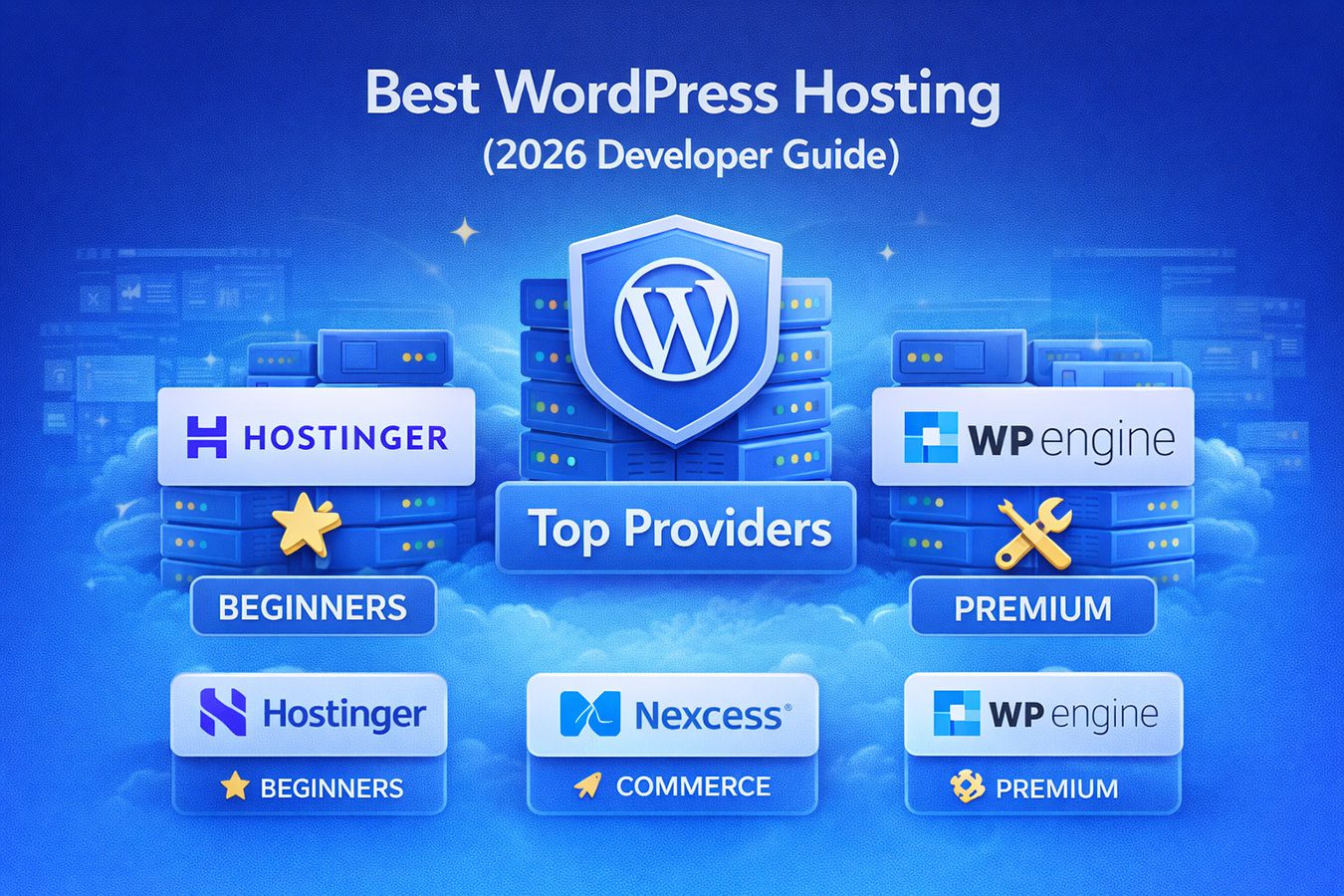
Nexcess — Best for Ecommerce and Growing Websites
Nexcess stands out for websites expecting growth or running WooCommerce.
From a developer standpoint, its biggest advantages include stability during unpredictable traffic.
Online stores don’t behave like blogs.
Sales events, product launches, or email campaigns can suddenly create heavy load.
Autoscaling allows the environment to absorb traffic spikes rather than throttle performance.
Standout features:
- WooCommerce-optimized caching.
- autoscaling protection.
- strong database handling.
- knowledgeable ecommerce support teams.
For stores where downtime directly affects revenue, these safeguards matter.
You can also read our detailed Nexcess vs WP Engine comparison for a deeper breakdown.
WP Engine — Best Premium Managed Experience
WP Engine focuses heavily on workflow efficiency and performance optimization.
Developers frequently appreciate:
- easy staging environments,
- dependable backups,
- strong caching performance,
- polished dashboards for client handoffs.
Agencies managing multiple websites often benefit from these tools.
While pricing sits toward the premium tier, reduced troubleshooting time often offsets the cost.
If you’re unsure whether managed hosting makes sense, see our Managed WordPress Hosting Explained guide.
Hostinger — Best WordPress Hosting for Beginners
For new website owners launching their first project, simplicity matters.
Hostinger offers:
- guided WordPress onboarding,
- affordable entry pricing,
- strong performance for smaller websites.
Many beginners start here before upgrading to managed hosting environments later.
Our full Best Hosting for Beginners guide explains beginner-friendly options further.
Best WordPress Hosting Based on Your Situation
Choosing hosting becomes easier when considering how you plan to use your website.
Best for Beginners
Hostinger offers one of the easiest starting experiences.
Low setup friction helps users focus on building rather than configuring servers.
Best for WooCommerce Stores
Ecommerce websites require stable checkout performance.
Database-heavy queries and logged-in users strain shared environments.
Nexcess excels here.
Our Best WooCommerce Hosting guide explains why.
Best for Agencies
WP Engine’s workflow tools simplify staging deployments and updates across multiple sites.
Client collaboration becomes easier.
Best for Long-Term Growth
Businesses expecting scaling traffic often benefit from managed hosting early.
Avoiding migrations later saves significant time.
Beginner Mistakes When Choosing WordPress Hosting
Many problems developers troubleshoot originate from early hosting decisions.
Common mistakes include:
Choosing Price Alone
Low introductory pricing often increases dramatically after renewal.
Migration later costs more than expected savings.
Ignoring Backup Quality
Not all backups are equal.
Reliable restoration matters more than backup frequency.
Assuming Unlimited Means Unlimited
Shared hosting resource limits often appear during traffic spikes.
Performance throttling becomes noticeable quickly.
Shared Hosting vs Managed WordPress Hosting
Shared hosting works well for experimentation or small personal sites.
Managed hosting reduces:
- plugin conflicts,
- update risks,
- performance tuning.
For business websites generating revenue, reliability often outweighs monthly savings.
Quick Comparison Table
| Feature | Hostinger | Nexcess | WP Engine |
|---|---|---|---|
| Best For | Beginners | Ecommerce Growth | Agencies |
| Ease of Setup | Very Easy | Easy | Very Easy |
| WooCommerce Optimization | Basic | Advanced | Strong |
| Developer Tools | Basic | Strong | Excellent |
| Scalability | Moderate | High | High |
Frequently Asked Questions
Is Managed WordPress Hosting Worth It?
For hobby websites, shared hosting may work.
Businesses or ecommerce stores often benefit from managed environments due to reduced maintenance.
Should Beginners Start With VPS Hosting?
VPS hosting offers flexibility but requires server knowledge.
Most beginners benefit from simpler environments initially.
When Should You Upgrade Hosting?
Signs include:
- slow dashboards,
- traffic spikes causing downtime,
- growing ecommerce traffic.
Final Verdict
There isn’t a single best WordPress host for everyone.
Hostinger offers an excellent starting point.
Nexcess provides strong scalability and ecommerce reliability.
WP Engine delivers premium workflow tooling and performance optimization.
The best choice depends on how serious your website is — and how much time you want to spend managing infrastructure.