Many WordPress sites begin on inexpensive hosting plans. In the early stages this usually works well, especially for small blogs, informational websites, or early business projects.
However, as a site grows, the demands placed on hosting infrastructure increase significantly. More visitors, additional plugins, and complex site features can push entry-level hosting environments beyond their limits.
The challenge is that hosting limitations are not always obvious. Performance problems often appear gradually — slower page loads, delayed admin dashboards, or checkout issues that seem difficult to diagnose.
Understanding the signs that a hosting environment is becoming a bottleneck can help prevent these problems before they affect visitors or revenue.
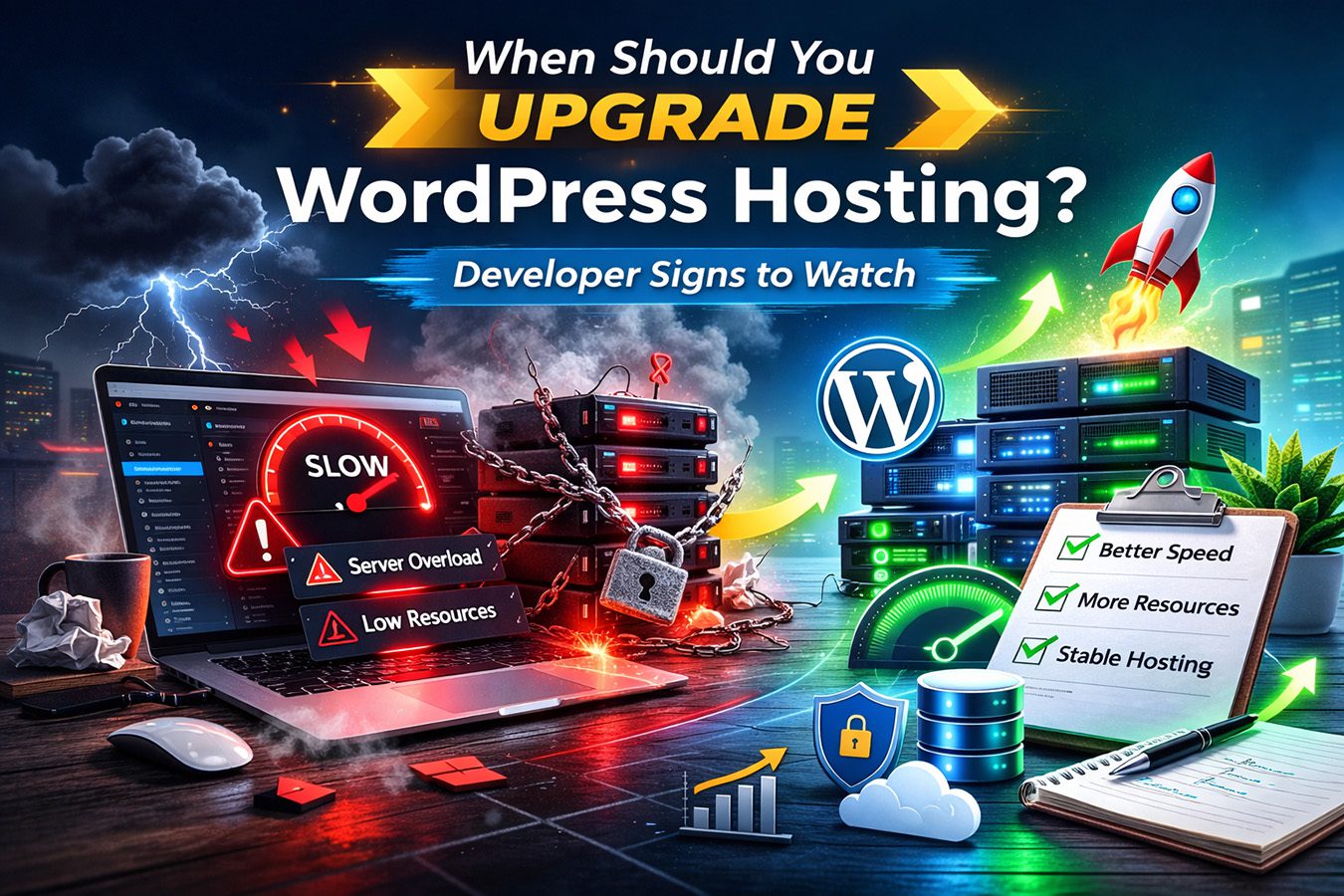
Signs Your WordPress Hosting Is Holding Your Site Back
Several common symptoms suggest that a WordPress site may have outgrown its current hosting environment.
These issues typically appear as a site becomes more complex or begins receiving more traffic.
Slow WordPress Admin Dashboard
One of the earliest warning signs is a slow WordPress admin area.
Tasks such as editing pages, updating plugins, loading media libraries, or opening WooCommerce orders may begin responding much more slowly than expected.
This slowdown often occurs when server resources are limited and the hosting environment cannot process multiple background tasks efficiently.
Frequent Resource Limit Errors
Many shared hosting environments enforce strict limits on server resources.
These limits control things like:
- CPU usage
- memory allocation
- concurrent processes
When a site exceeds these limits, hosting systems may temporarily restrict performance or stop certain processes.
This can result in errors such as slow page loads, failed plugin updates, or temporary outages during traffic spikes.
WooCommerce Checkout Delays
WooCommerce stores place significantly higher demands on hosting infrastructure than standard WordPress sites.
Every checkout action involves database queries, session tracking, and order processing tasks.
When hosting environments struggle to handle these operations efficiently, customers may experience:
- slow cart updates
- delayed checkout processing
- timeouts during payment
For ecommerce sites, these issues can directly impact revenue.
If your site runs an online store, it is worth reviewing hosting options designed specifically for ecommerce environments.
For more details, see:
Traffic Spikes Cause Site Instability
A healthy hosting environment should be able to handle moderate increases in traffic without failing.
However, many low-cost hosting plans struggle during even small traffic spikes.
This may happen when:
- content goes viral
- marketing campaigns launch
- seasonal traffic increases occur
If a site becomes unstable or temporarily unavailable during these events, hosting limitations are often the underlying cause.
Performance Problems Often Caused by Hosting Limits
When WordPress performance declines, many site owners initially suspect plugins or themes.
While plugins can affect performance, hosting infrastructure frequently plays a much larger role.
Limited PHP Workers
PHP workers process dynamic WordPress requests such as page rendering, form submissions, and checkout actions.
When too few workers are available, requests begin waiting in a queue.
This creates the feeling that pages are loading slowly even when server response times appear normal.
Database Performance Bottlenecks
WordPress relies heavily on database queries.
Sites with many plugins, ecommerce systems, or membership functionality generate large numbers of database operations.
If hosting infrastructure cannot process these queries quickly, overall site performance suffers.
Resource Contention on Shared Servers
Shared hosting environments often place many websites on the same server.
This means resources such as CPU usage, memory allocation, and concurrent processes are shared between multiple accounts.
If other websites on the server consume large amounts of resources, neighboring sites may experience reduced performance.
When Budget Hosting Is Still Enough
Despite these limitations, budget hosting can still be the right choice for many websites.
Small sites with modest traffic and minimal plugin usage may run perfectly well on modern shared hosting environments.
For example, new blogs, portfolio sites, and early-stage projects often perform well on reliable entry-level platforms.
Hostinger is one example of a provider that offers strong performance for small WordPress sites while keeping costs low.
For a full evaluation, see:
When Managed WordPress Hosting Makes More Sense
As WordPress sites grow, hosting infrastructure becomes increasingly important.
Managed WordPress hosting platforms are designed to maintain stability and performance even as site complexity increases.
These environments typically include:
- optimized WordPress server configurations
- advanced caching layers
- staging environments
- automated backups
- specialized WordPress support teams
These features help maintain consistent performance while simplifying maintenance tasks.
One example of this type of platform is WP Engine.
For a deeper evaluation of its developer tooling and hosting infrastructure, see:
You may also find this guide helpful:
Is Managed WordPress Hosting Worth It →
When WooCommerce Hosting Becomes Critical
WooCommerce introduces additional complexity compared to standard WordPress sites.
Each store interaction involves database updates, session management, and transaction processing.
Hosting platforms designed specifically for ecommerce workloads can provide much better stability for these types of sites.
Nexcess is one platform built with this focus, offering managed WordPress environments optimized for WooCommerce performance.
For a detailed analysis, see:
A Simple Decision Framework
If you are unsure whether your site should upgrade hosting, the following framework can help guide the decision.
Small Sites and Early Projects
If your site receives limited traffic and uses only a few plugins, modern shared hosting may still be sufficient.
Platforms such as Hostinger provide a reliable starting point for these environments.
Growing WordPress Sites
Sites that receive increasing traffic or use more advanced plugins may benefit from managed hosting environments designed for WordPress performance.
Platforms such as WP Engine provide tools and infrastructure that support growing sites.
WooCommerce and Ecommerce Sites
Online stores require hosting infrastructure that can handle frequent database activity and transaction processing.
Platforms designed for WooCommerce environments often provide the most reliable performance.
Nexcess is widely used for these types of workloads.
Final Thoughts
Upgrading WordPress hosting is not always about choosing a more expensive plan. Instead, it is about selecting an environment that matches the demands placed on your website.
Small sites can often operate effectively on modern shared hosting platforms. As sites grow and become more complex, managed hosting environments can provide the stability and tools needed to maintain reliable performance.
Understanding when hosting infrastructure becomes a bottleneck helps ensure that WordPress sites remain stable, responsive, and capable of supporting future growth.
Recommended WordPress Hosting Platforms
If you are currently evaluating hosting options, these platforms represent strong choices depending on your site’s needs.
For small websites and early projects
See our Hostinger Review
For growing WordPress sites and agencies
See our WP Engine Review
For WooCommerce stores and ecommerce workloads
See our Nexcess Review