Choosing WordPress hosting can be confusing. Many providers advertise similar features — fast speeds, strong security, and excellent uptime — but the real differences usually appear only after a site is already running.
From a developer and troubleshooting perspective, the most important hosting factors are not always the ones highlighted in marketing pages. What actually matters is how well the infrastructure handles real workloads, plugin-heavy environments, and unexpected traffic spikes.
This guide walks through the key factors that determine whether a WordPress hosting environment will remain stable as your site grows.
Understand the Different Types of WordPress Hosting
Before evaluating specific hosting providers, it helps to understand the main types of hosting environments available.
The most common categories include:
- shared hosting
- VPS hosting
- managed WordPress hosting
Each option offers a different balance of cost, performance, and operational support.
Shared hosting typically places many websites on the same server environment. This keeps pricing low but means system resources are divided across multiple accounts.
VPS hosting provides isolated virtual resources, which improves performance and stability compared to shared environments.
Managed WordPress hosting goes a step further by optimizing the entire environment specifically for WordPress performance and reliability.
For a deeper explanation of these differences, see:
Shared vs VPS vs Managed Hosting →
Evaluate Server Resources
One of the most important technical factors in WordPress hosting is how server resources are allocated.
Resources such as CPU usage, memory allocation, and concurrent processes determine how many operations a server can handle at once.
When these resources are limited or shared across too many accounts, performance issues can appear quickly — especially during traffic spikes.
This is why low-cost hosting plans often perform well on small sites but struggle with growing workloads.
Developers typically look for hosting environments that provide clear resource allocation and stable performance under load.
Consider How Your Site Will Actually Be Used
Different websites place very different demands on hosting infrastructure.
A simple informational blog usually requires far fewer resources than an ecommerce store or membership platform.
WordPress sites that include many plugins, dynamic content, or frequent database updates require more robust environments.
For example, WooCommerce stores must process:
- shopping cart sessions
- product database queries
- checkout transactions
- order processing
These tasks create continuous database activity that weaker hosting environments may struggle to handle.
If your site includes ecommerce functionality, choosing hosting designed for these workloads becomes especially important.
For more details on hosting optimized for online stores, see:
Look for Developer and Maintenance Tools
Modern WordPress hosting environments should include tools that make site management easier and safer.
Useful features often include:
- staging environments
- automated backups
- one-click restore systems
- secure update workflows
These tools are particularly important when testing plugin updates or theme changes.
Without proper backup and staging systems, even a small configuration error can take a site offline.
Reliable hosting platforms treat these tools as standard features rather than optional upgrades.
Evaluate Control Panels and Usability
Hosting dashboards play a major role in day-to-day site management.
Older control panels can be difficult to navigate and require manual configuration for basic tasks.
Modern hosting dashboards simplify tasks such as:
- installing WordPress
- configuring domains
- setting up email accounts
- managing backups
This reduces the time required to manage infrastructure and allows site owners to focus more on content and development.
Determine When Budget Hosting Is Enough
For small websites or early projects, budget hosting can often be perfectly adequate.
If a site has relatively low traffic and limited plugin usage, a shared hosting environment may provide sufficient performance at a very low cost.
Some modern shared hosting providers have significantly improved their infrastructure in recent years.
One example is Hostinger, which provides strong entry-level WordPress hosting with an easy-to-use dashboard and competitive pricing.
For a deeper evaluation, see:
When Managed WordPress Hosting Makes Sense
As WordPress sites grow, hosting requirements often increase.
Sites that experience higher traffic volumes, complex plugin ecosystems, or frequent updates may benefit from managed WordPress hosting environments.
Managed hosting platforms typically include:
- optimized server configurations
- advanced caching layers
- automated maintenance tools
- specialized WordPress support teams
These platforms are designed to maintain performance and stability even when workloads become demanding.
A widely used example of this approach is WP Engine.
For a detailed evaluation of the platform, see:
When WooCommerce Hosting Becomes Critical
WooCommerce stores create significantly more server activity than typical WordPress sites.
Every cart update, checkout process, and inventory change generates database activity that hosting environments must handle efficiently.
In these situations, hosting platforms designed specifically for ecommerce workloads can provide noticeable advantages.
Nexcess is one platform built with this focus, offering managed WordPress and WooCommerce environments optimized for database performance and transaction stability.
For a full analysis, see:
Performance Stability Matters More Than Speed Tests
Many hosting comparisons focus heavily on benchmark speed tests.
While speed is important, long-term stability is often the more critical factor.
Real-world WordPress sites frequently include many plugins, complex themes, and external integrations.
Hosting environments must remain stable even under these conditions.
Developers often prioritize consistent performance and predictable resource behavior over raw benchmark numbers.
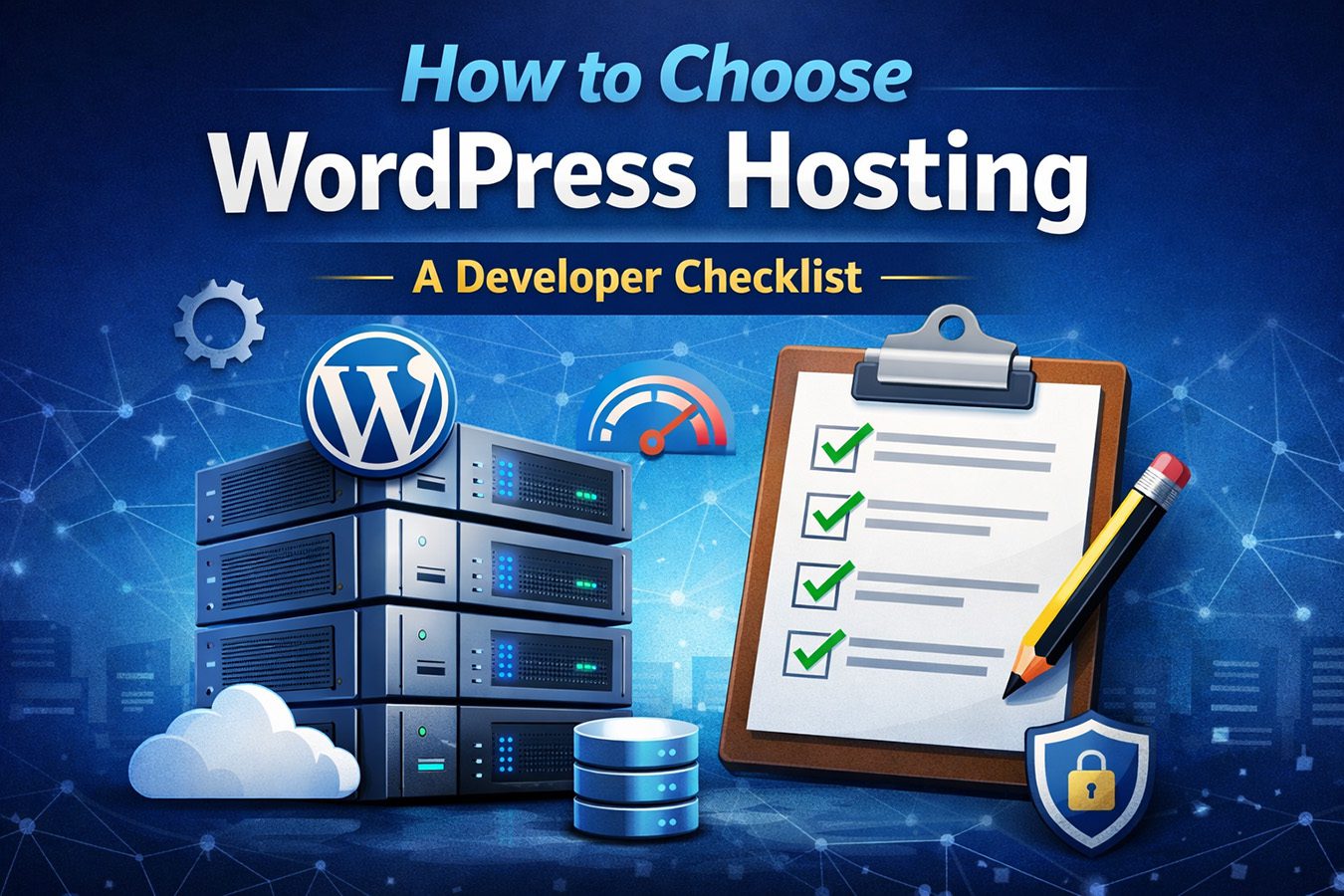
Final Checklist for Choosing WordPress Hosting
When evaluating a hosting provider, it helps to consider a few practical questions:
- Does the hosting environment match your site’s workload?
- Are server resources clearly defined?
- Are backups and staging environments included?
- Is the dashboard easy to manage?
- Does the provider specialize in WordPress infrastructure?
Answering these questions usually leads to a clearer hosting decision.
Final Thoughts
Choosing WordPress hosting is less about finding the most popular provider and more about selecting an environment that fits your site’s real requirements.
Small sites may perform perfectly well on modern shared hosting platforms.
Growing projects often benefit from managed environments that provide stronger infrastructure and maintenance tools.
Understanding how your site uses server resources is the most reliable way to determine which hosting platform will remain stable as your project evolves.